Program overview

Boost Math is a personalized learning math instruction and practice program. The game-based experience engages all students in grade-level mathematics in ways that prepare them for success in, and build enthusiasm around, algebra and later math.

Student experience

When students click on their Curioso icon, they are taken into their quest. Quests consist of brief narrative scenes, punctuated with skill practice in the form of games. Once a student completes a scene, their very own collection of personalized skill games appears on the right side of the screen. Students can play these games in any order.

  • Students in grades 1 and 2 will experience games related to comparing numbers, measuring, and more.
  • Students in grades 3, 4, and 5 will experience games related to fractions, area, multiplication, and more.
  • Students will also experience activities known as “Makers,” which are open-ended activities within each quest related to the quest narrative, giving students an opportunity to apply different math applications to the real world.

Note: This is an early subsection of the product. Some content may be appropriate for some students, but difficult for others. This is feedback we want to hear. The designs are also still in-progress, with many aspects yet to be featured. We welcome all suggestions!

Implementation guidelines

We recommend that students should play for a total of 60 minutes per week, broken up into 3–4, 15–20 minute sessions. Consider using Boost Math during the following times:

  • Small group or centers time
  • Choice time
  • During intervention blocks
  • After school
  • At home
  • Remote learning

Getting your students online
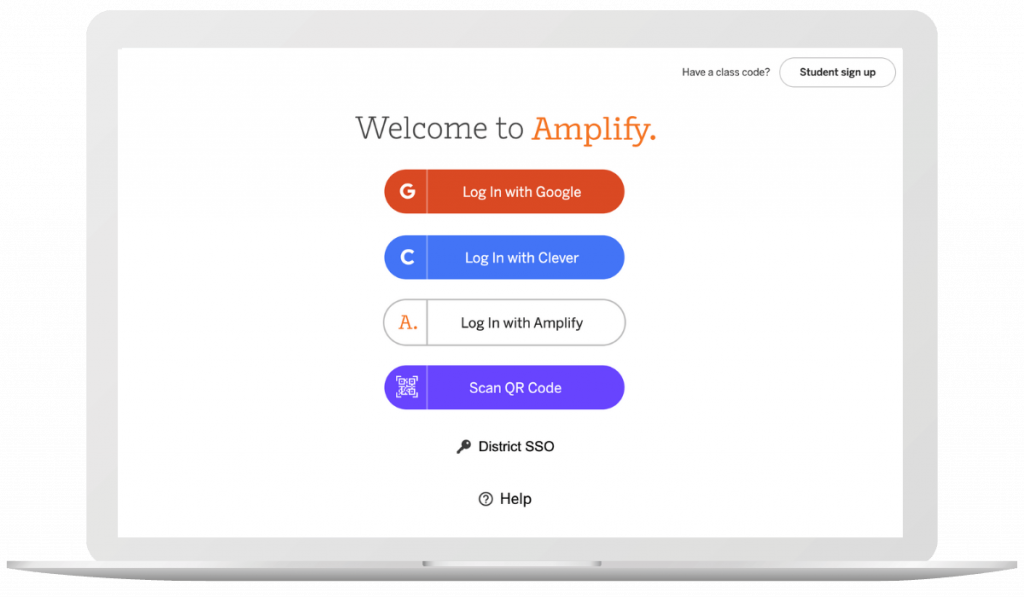
Instruct students to navigate to learning.amplify.com, and log in using the method you typically use when logging into Amplify Reading.

Find and click on the icon for Boost Math, as shown above.
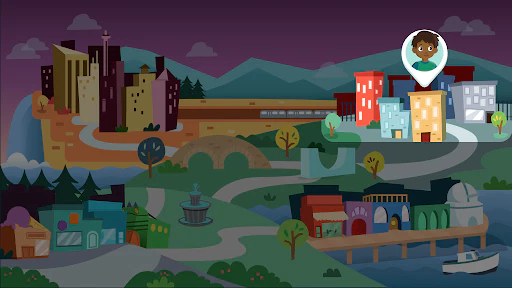
Students will then see the screen showing Sequence Falls, the location in which their Boost Math journey takes place.

Troubleshooting guide

To clear your Chrome browser cache/cookies:

  • On your computer, open Chrome.
  • At the top right, click the three vertical dots.
  • Click More Tools, Clear browsing data.
  • At the top, choose a time range, select All time.
  • Check the boxes next to “Cookies and other site data” and “Cached images and files.”
  • Click Clear data.
  • From the Safari menu at the top of the screen, select “Safari”
  • Select “Preferences” from the drop-down menu
  • Open the “Privacy” tab
  • Select the “Manage Website Data” button
  • Choose “amplify.com” from the list of sites
  • Select the “Remove” button
  • Select “Done”, then close the window

Please check to ensure “cookies” are accepted on your device.

If you still receive an error message or blank screen when accessing an Amplify page, please email Aya Bukres.

Please email Jehan Miah to confirm your login credentials.

To reset your Amplify password: click Login with Amplify, then click the Forgot Password link. If you do not receive an email with password reset instructions, please check your Spam folder. To ensure messages to not go to your Spam inbox, make sure to include the following addresses as trusted sources:

  • do-not-reply@amplify.com
  • noreply@amplify.com
  • noreply@welcome.amplify.com
Welcome to Boost Reading: Remote Learning Edition!

Amplify is committed to helping school and district partners make instructional resources like Boost Reading: Remote Edition available to students who may be unable to attend school. 

This site contains all the resources you’ll need to get started using Boost Reading: Remote Edition with your students as soon as possible. We’re confident that as a community, we can continue to support learning to read remotely.

Are you an mCLASS® user? Click here to get started.

Colorful cartoon animals and objects surround a circular portal with a purple glowing ring, featuring silhouetted figures in its center.

Getting started

What you need to know about Boost Reading

Boost Reading is a student-driven, digital literacy program that provides students with differentiated and adaptive practice in all key areas of literacy instruction. Teachers have access to rich data insights into student usage and progress they can use to inform remote instruction.


How does it work with other programs?

Boost Reading is a great complement to any core or assessment program, especially Amplify Core Knowledge Language Arts (CKLA) and mCLASS.


When and how to use Boost Reading

We recommend students use the program independently for 30-45 minutes a week. This implementation model has led to student growth, especially for dual language learners.


Students will need access to one of the following devices: Windows Devices with Windows 7+, Chromebooks with Chrome OS, and Mac devices with OS 10.11+ or iOS 11+.


How do I get started with Amplify Reading?

Good news! Amplify Reading has already been enabled within your mCLASS and Acadience Reading accounts. To get started with the program, you’ve got only two steps left: creating your class code and setting up your devices.


  • [Video] How to access Amplify Reading from within mCLASS and Acadience Reading
  • [Video] How to enable class login
  • [Video] How to create shortcuts on devices
  • [PDF] Amplify Reading launch packet


Note: Amplify Reading works on most classroom devices, including Windows Devices with Windows 7+, Chromebooks with Chrome OS, and Mac devices with OS 10.11+ or iOS 11+.

What else can you tell me about Amplify Reading?

As students engage in skill practice, their paths through the game world adapt to meet their unique learning needs. Amplify Reading includes more than 40 standards-aligned games that build language, foundational skills, and comprehension skills, while also developing:

  • Phonological awareness
  • Phonics
  • Vocabulary
  • Text analysis
  • Comprehension
  • Microcomprehension (i.e., the smaller aspects of comprehension that make up the reader’s mental model of a text)


Some additional resources that you might find helpful:


How do I get started with Boost Reading?

Good news! You and your students now have access to Boost Reading. To get started, you’ll need to sign in with your Amplify credentials at mclass.devamplify.wpengine.com. Next, you’ll want to distribute Boost Reading credentials to your students.


Where do I find my credentials?

You should have received an email from noreply@devamplify.wpengine.com with your new account information. If you do not see it in your inbox, please check your spam folder.


How to download and distribute student credentials:


How to support login at home:

You can direct parents to the following videos for an overview of the program and how to get started.


After students start playing, you can check in on their progress via your teacher dashboard. 


Printable extension activities

Consider sending the following activities home with your students as part of their weekly Boost Reading routine. Each printable activity has instructions in both English and Spanish.

Packet 1

Access support

Intercom chat

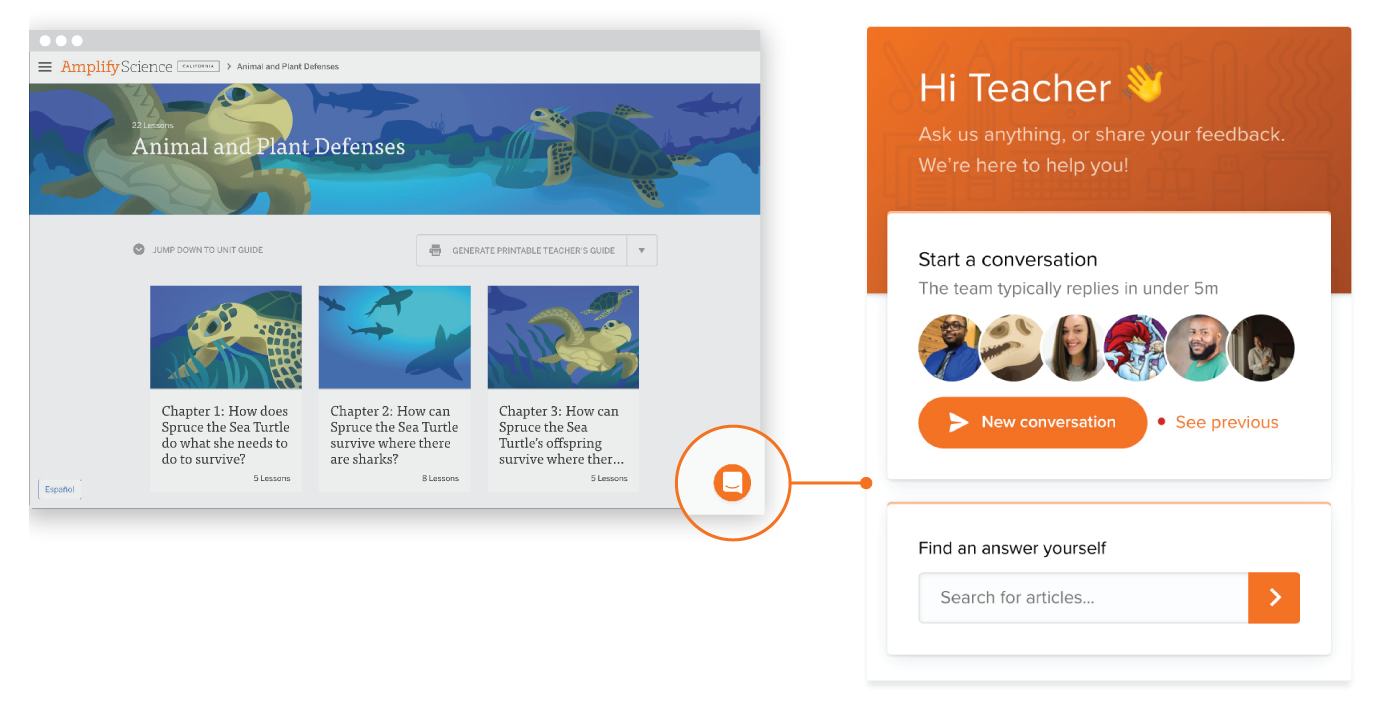
Our Intercom feature gives you the ability to chat with customer support, technical support, and pedagogical support teams in real time directly from the digital platform. This ensures that issues that arise in the classroom can be addressed as quickly as possible. Support teams can be reached from 7 a.m. to 7 p.m. EDT, Monday through Friday.

Email

Our customer support, technical support, and pedagogical support teams can be reached by email at help@devamplify.wpengine.com from 7 a.m. to 7 p.m. EDT, Monday through Friday.

Amplify Tutor Hiring

To view this protected page, enter the password below:


Our K–12 international education programs inspire students around the world.

At Amplify, we believe that every teacher and student deserves access to high-quality materials. That’s why we collaborate with international schools to meet their core curriculum, assessment, and intervention needs.

By providing solutions grounded in research and evidence-based practices, Amplify is making an impact on international K–12 education.

We are making an impact around the globe.

6

continents

80+

countries

900+

schools worldwide

700,000+

students globally

Amplify international education programs

The following programs are available internationally.

In an international school setting, two children are focused on laptops, utilizing evidence-based practices to amplify education.

Core curriculum

STEM

Literacy

An adult and a child sit at a table, engaged with a tablet as part of an international K-12 curriculum. In the background, a whiteboard displays location words, reflecting evidence-based practices to enhance learning.

Assessment and Intervention

STEM

Literacy

International_Page_Site_Supplemental_101024

Supplemental

STEM

Literacy

Amplify professional learning

From live, in-person training and coaching to online courses and virtual professional development, we offer a range of support to fit schools’ needs and educators’ busy schedules. Professional development offerings include the following:

  • Launch sessions
  • Strengthen sessions
  • Coach sessions
  • Custom packages
Two women sit at a table, working on laptops and discussing how to amplify education through evidence-based practices.

Custom development

We collaborate with governments and government agencies to localize and customize our high-quality instructional materials to ensure they align with specific education standards and frameworks.

Get in touch with our sales team to discuss how we can help your organization.

License our digital tools.

Explore Amplify’s digital tools and how they can make your programs more engaging and digital-forward.

Publishers can license the Amplify teaching and learning digital platform, which offers robust digital functionality—including digital manipulatives—that can transform print-based instructional programs into interactive, collaborative, and engaging digital experiences for teachers and students.

If you want to use our platform for commercial purposes, please contact our team.

A young boy wearing blue headphones uses a laptop in a classroom with colorful storage bins, exploring an international K-12 curriculum.

Amplify international education support

Amplify aims to provide the best customer support throughout each stage of your journey, whether you are exploring our programs for the first time or are a long-term partner.

Below, you’ll find a quick guide on the international purchase process and expected timelines.

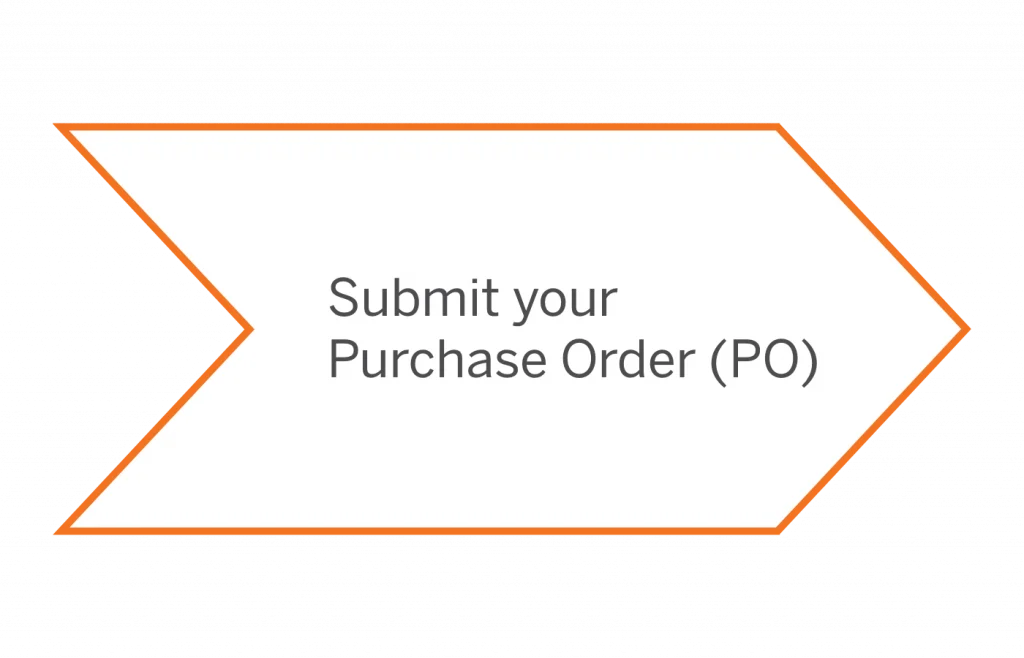
Simple steps to get your order processed quickly:

Gráfico en forma de flecha con el texto "Envíe su orden de compra (OC)" en el interior.
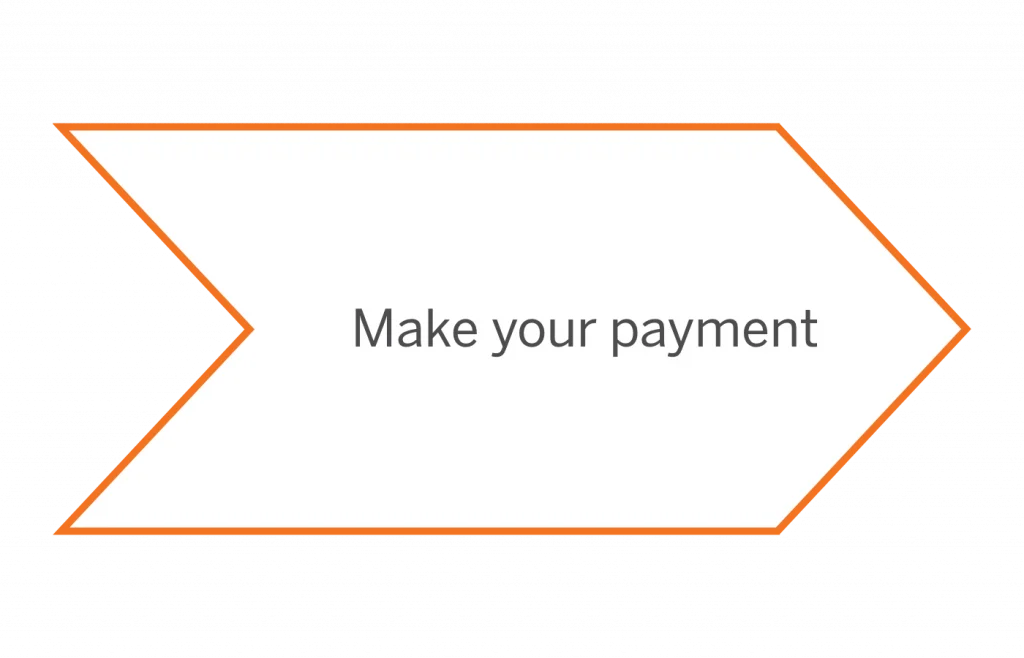
Flecha con contorno naranja apuntando hacia la derecha, que contiene el texto "Realice su pago".
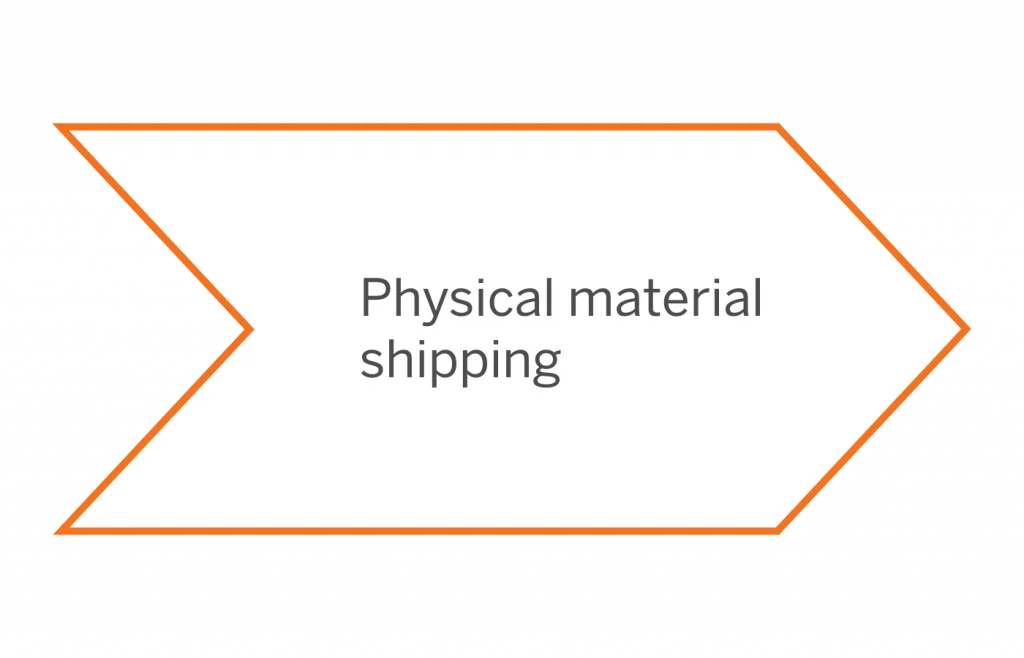
Gráfico en forma de flecha con el texto “Envío de material físico”.
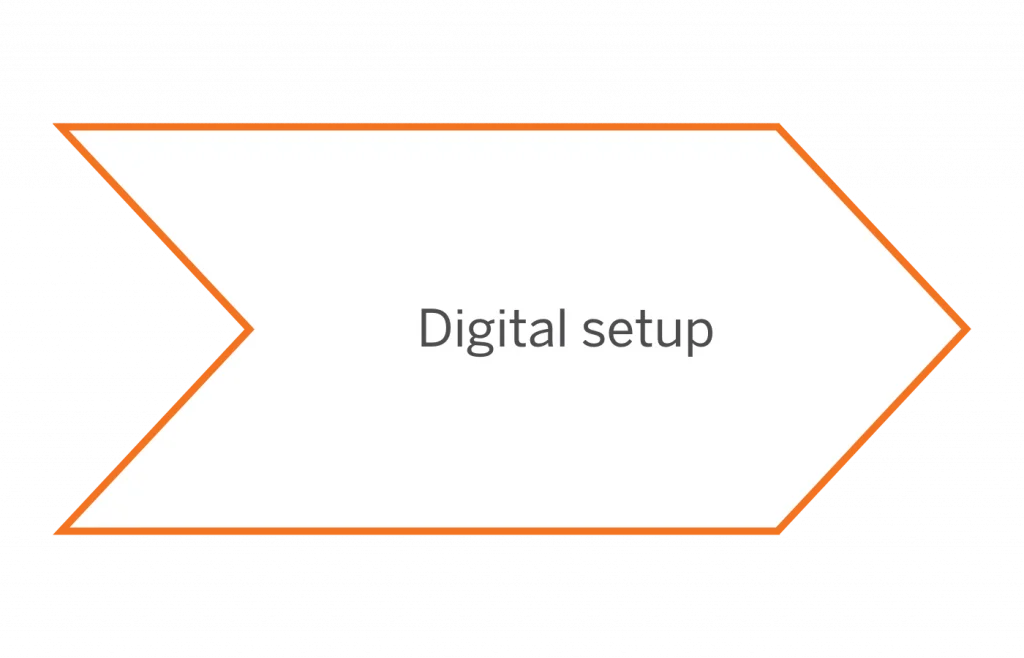
Diagrama en forma de flecha denominado "Configuración digital" con un fino contorno naranja.

To ensure that there are no delays, we advise you to place your order 3–4 months prior to your first day of school. This should allow enough time for shipping and digital set up.

Diagrama de un proceso de establecimiento de metas con pasos: fijar una meta, elaborar un plan, ponerse a trabajar, ceñirse a ella, alcanzar la meta. Incluye un símbolo de lista y una marca de verificación.

Purchasing

Our international sales team can answer your questions about our programs and services. Please fill out the form to speak with your account executive.

FILL OUT FORM

Diagrama que muestra la Ley de Ohm con un símbolo de circuito, una fuente de voltaje, una resistencia y un símbolo de triángulo. Incluye signos de multiplicación e igual.

Ordering and payment

We want your purchasing experience to be as seamless as possible. Visit our customer portal to learn more about your payment options.

Please be sure to include:

  • A signed PO. Don’t forget to add your PO number.
  • A copy of your Price Quote.
  • A copy of your Tax-Exemption Certificate.

GO TO CUSTOMER PORTAL

You can also email your documents to IncomingPO@amplify.com.

Logotipo de la Fundación Wikimedia en color negro, con una figura naranja que recuerda a una persona estilizada formando parte de la letra 'i'.

Shipping physical materials

  • Submit your logistics and product quantities on the Order Management Page (OMP).
  • Track shipment(s) with the Shipment Status Page (SSP).
Una línea naranja abstracta y minimalista con una curva y un punto sobre un fondo blanco.

Enrollment and licensing

Please note that our team needs to review your school’s rosters for accuracy and completeness:

  • This process can take up to 12 business days.
  • You will be notified when the licensing process is complete!

Frequently asked questions

Payment processing time can vary, depending on chosen payment method, as well as banking institution. Please allow at least 10 business days for it to be processed. For additional support contact internationalsalessuport@amplify.com.

For digital licenses, you will need to submit your digital logistics information, which includes your school’s rosters data. Our technical onboarding team then needs to verify it for accuracy and completeness. (They might contact you, should they need any clarification.) The digital setup process can take up to four weeks to be completed. For help along the way, please use our Amplify Onboarding Hub.

To avoid delays, please submit your logistics information and product quantities on the Order Management Page as early as possible. Note that international shipping time varies from one country to another due to many factors, including different customs procedures. We are therefore unable to estimate and guarantee delivery time in each case. Amplify offers two international shipping options: 1. Your materials can be shipped from the U.S. directly to you, which will incur an international shipping and handling fee of 25% on the physical products ordered. 2. Alternatively, Amplify can ship your materials to a U.S. freight forwarder, and you can manage the shipping.

Note that setup communications will be sent to the contact person listed on the quote. This email is sometimes routed to the spam folder, so please check there as well. If you do not receive a link within five business days, please reach out to the customer care and support team.

Get support

Our dedicated team members will assist you with purchasing, order fulfillment, enrollment and licensing, and more!

Our support hours are Monday through Friday,
11 a.m.–11 p.m. GMT.

An orange outline of an envelope on the left accompanies the words "Contact Us" in black text on the right, inviting inquiries about how we amplify education through our international K-12 curriculum.

New to our programs? Our international sales support team is here to help!

Email us: 

internationalsalessupport@amplify.com

Un logotipo con el texto "dribble" en letras negras minúsculas, que presenta un semicírculo estilizado de color naranja con tres líneas a la derecha, que se asemeja a un megáfono o un ícono de sonido.

Already a customer but don’t have a login yet?

Open a support case.

La silueta de un hombre con sombrero y gabardina habla con otro hombre que sostiene una linterna. Hay farolas y edificios al fondo, creando un ambiente urbano nocturno.

If you already have your login details:

Access our chat live with our support team.

International events

Join us for an upcoming event, webinar, or podcast. You can browse all of our events by month, or use the filter to find events close to you.

GO TO EVENTS PAGE

Ready to learn more?

Fill out this form and we’ll be in touch with you shortly.